


The done-for-you client welcome guide that elevates your brand and wows clients from the moment they book
Client Welcome Guide
That’s why I created this beautiful guide for my clients, and it wows them every time!

Imagine your clients feeling taken care of before the session even begins.
You want to send something that feels polished, thoughtful, and professional—without scrambling to explain everything over email or answering the same questions again and again.
You dream of a client experience that feels:
Calm instead of chaotic
Clear instead of confusing
Elevated instead of rushed
This welcome guide helps you show up confident, organized, and prepared—while making your clients feel excited, informed, and fully supported from the moment they book.
Because the best sessions start long before you ever pick up your camera.

Save time, look more professional, and deliver a seamless client experience—without reinventing the wheel every time.

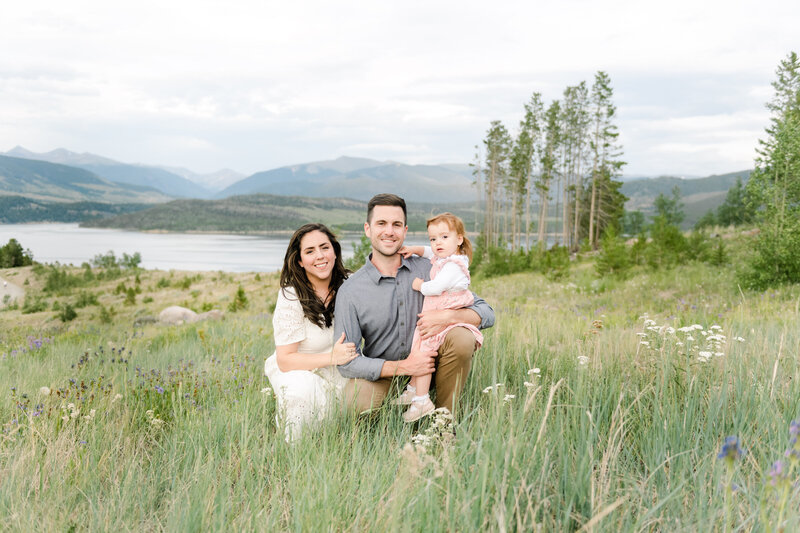


My exact Welcome Guide that I send to all my clients with all this inside:
•About the Shoot – Introduce your session style and set the tone from the start
•What to Expect – Walk clients through the experience step-by-step
•How to Prepare – Help clients feel confident and ready before session day
•What to Wear – Styling guidance that photographs beautifully
•Color Palettes – Done-for-you inspiration to make outfit planning easy
•Inspiration Pages – Visual examples to help clients understand your vision
•Checklists – Simple, clear prep lists that reduce last-minute questions
•What’s Next – Guide clients through the process after the session
•FAQ Section – Answer common questions upfront to cut down on emails
Canva Welcome Guide
What's included?


I’ve been a photographer for 15 years, but my first career was as a kindergarten teacher for 20 years.Teaching has always been part of who I am, which is why I now combine my love for photography with my gift for education.
As a former teacher, I know how to take big concepts and break them down into easy, digestible steps that actually make sense and won't be overwhelming.
But I also know the struggle. I’ve been burnt out, exhausted, and stuck — spending years (and plenty of money) trying everything from boosting ads to posting non-stop on social media, only to feel like nothing was working. Through persistence, I discovered the strategies that truly build a sustainable photography business.
Now, I’m passionate about sharing both the lessons and the proven processes so you can skip the overwhelm and start growing with confidence, clarity, and clients you love.
Hey Y'all, I'm Jill
Preppy lover of anything Navy Blue,
Obsessed with traveling and the outdoors


You’ll need Canva (free or Pro). The guide is fully editable, so you can simply drag and drop your own images, update the text, swap colors, and customize it to match your brand.
Most photographers have it fully customized in 15–30 minutes. Swap your photos, update any of the text you want, and you’re done.
Yes! You can duplicate the guide and tweak it for families, seniors, newborns, minis, weddings—whatever you offer.
This welcome guide is for photographers who want to look polished, professional, and prepared—without spending hours recreating the same information for every client.
what program do I need?
How long does it take to customize?
Who is this for?
Frequently Asked Questions
Can I use this for all session types?